🇺🇸 EN
The AI-native operating system for the work between your apps.
Every change is journaled, reviewed and reversible.


Email and spreadsheets connect the process.
Teams chase evidence, approvals and updates.
Routine requests become engineering work.
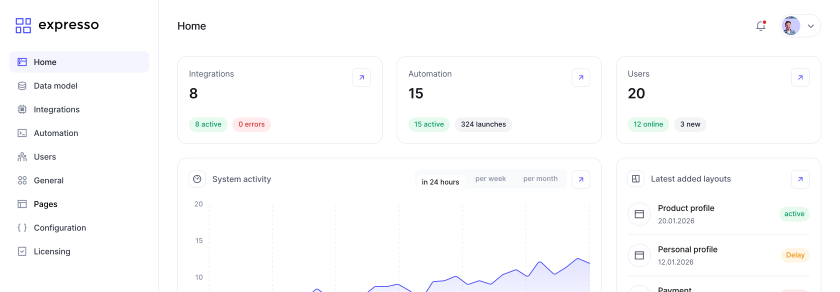
Apps, processes, documents, integrations and AI agents come from the same constructor — one data model, one security layer, one journal. No archipelago of systems to stitch together.
6 systems → up to 15 point-to-point integrations to build, run and secure
One data model · one security layer · one journal
Components, workflows, governed AI and an on-prem foundation — in one product, on one data model.
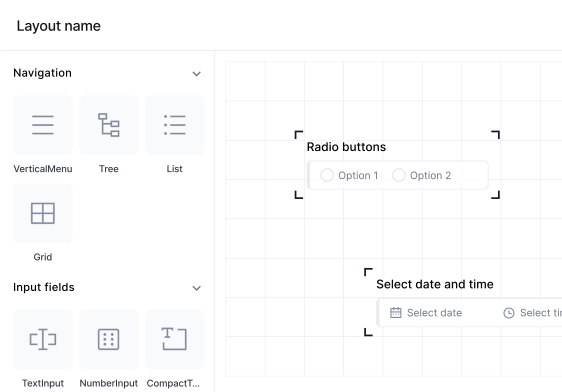
Apps, data models, forms and layouts — assembled, not coded.
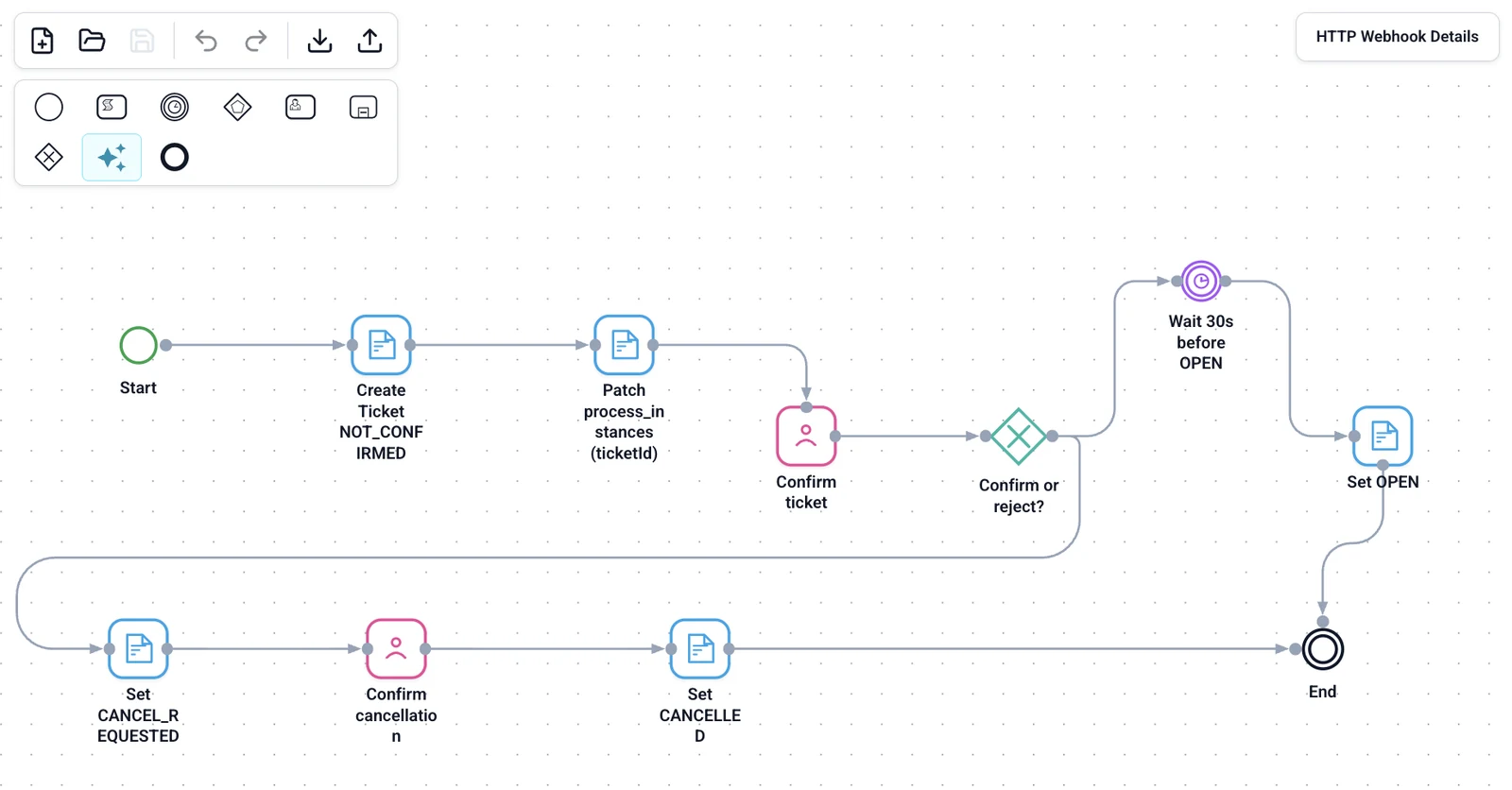
Visual processes with human tasks, permissions, approvals and version history.
Agreed integrations, programmatic control, human review before consequential actions.
Data and work in your premises, monitored and under your control.
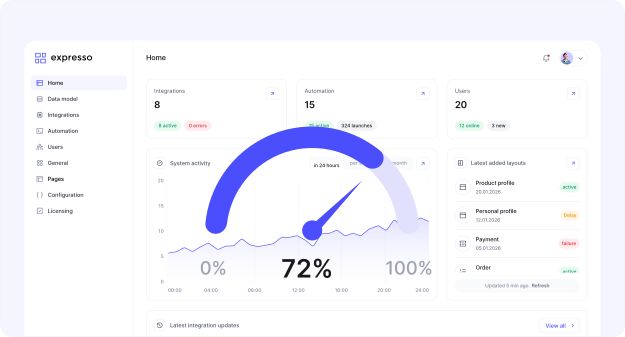
The same controls apply to people, agents and integrations.
Roles, object and operation permissions, row- and column-level security on the data model.
Every config change is journaled on a branch and can be undone — per change or per run. Files are versioned in S3.
Human review before consequential actions: agent proposals wait for an authorized user.
Who changed what, when and from where — for people, agents and integrations: REST, webhooks and the event bus.
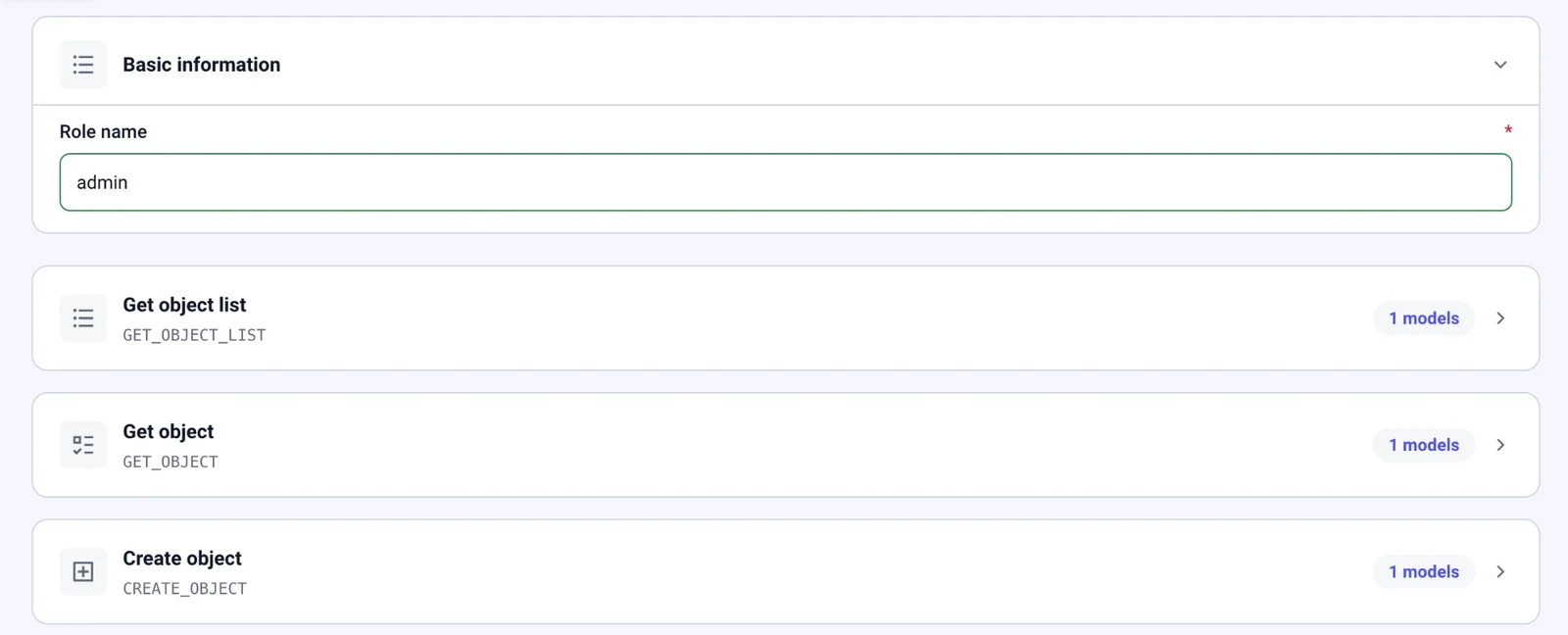
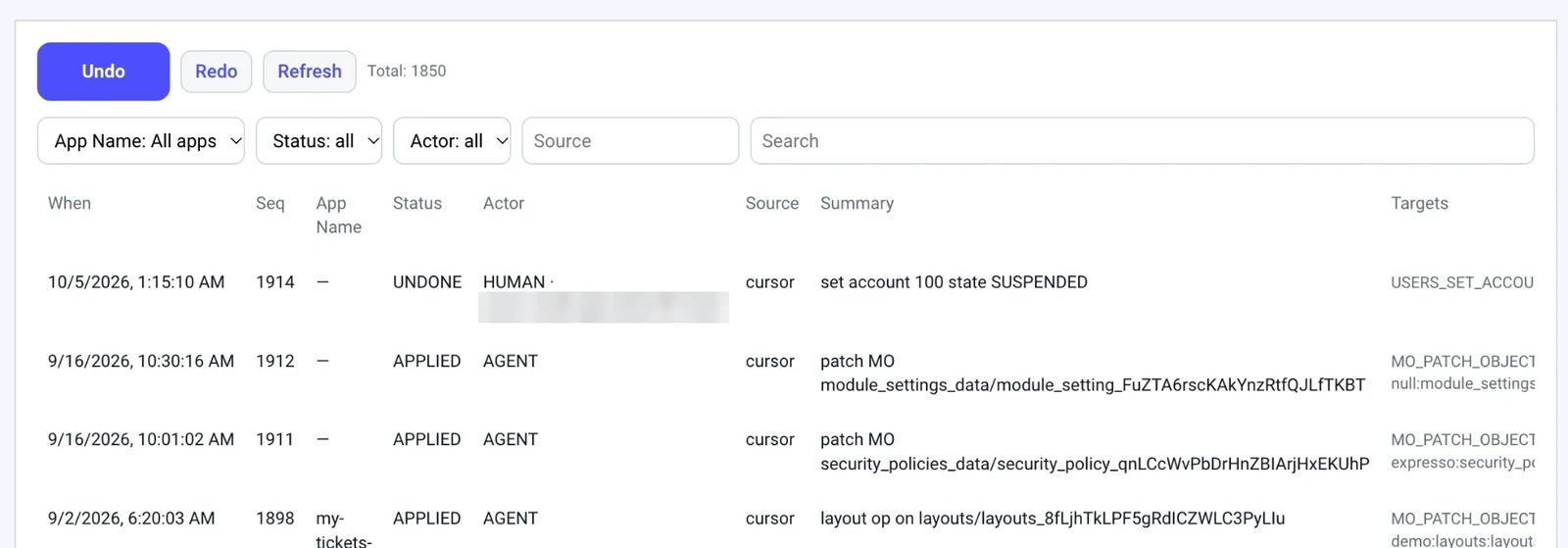
Certification and regulatory compliance are not claimed.
UIs, agents, rules and workflow management should not require a new project.
Authorized users adjust forms, routing, workflow settings and policies in Studio — no release needed.
REST and MCP for programmatic control; Java and Node services, microservices on Kubernetes for specialized logic — all under your technical team's control.
Everything here is in the product today; beta items are marked.
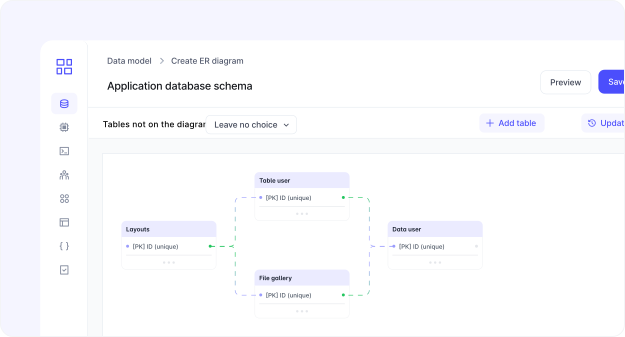
Data models, forms, pages and processes are generated and stay editable. Apps, boards and dashboards, tasks and notifications — for the people who run the work.
Two parts: Human Backed AI FDE and the Business Model.
Visual flows with human tasks, timers and gateways. Status changes, confirmations and cancellations are steps in the flow, not code.
Document templates, generated documents and e-signature inside the same processes.
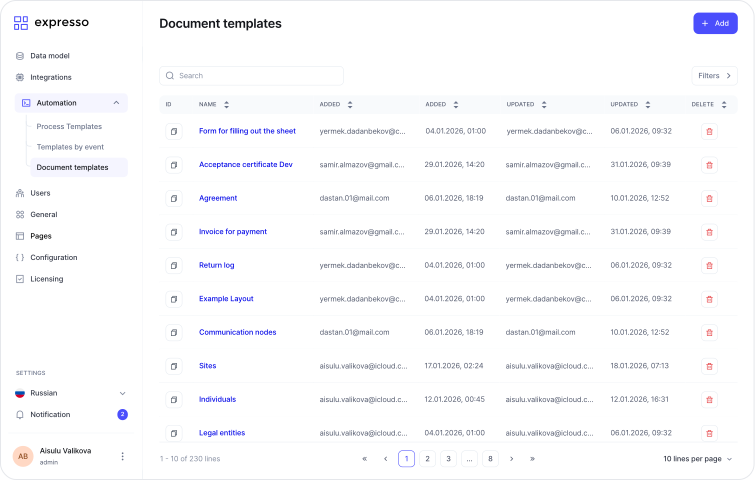
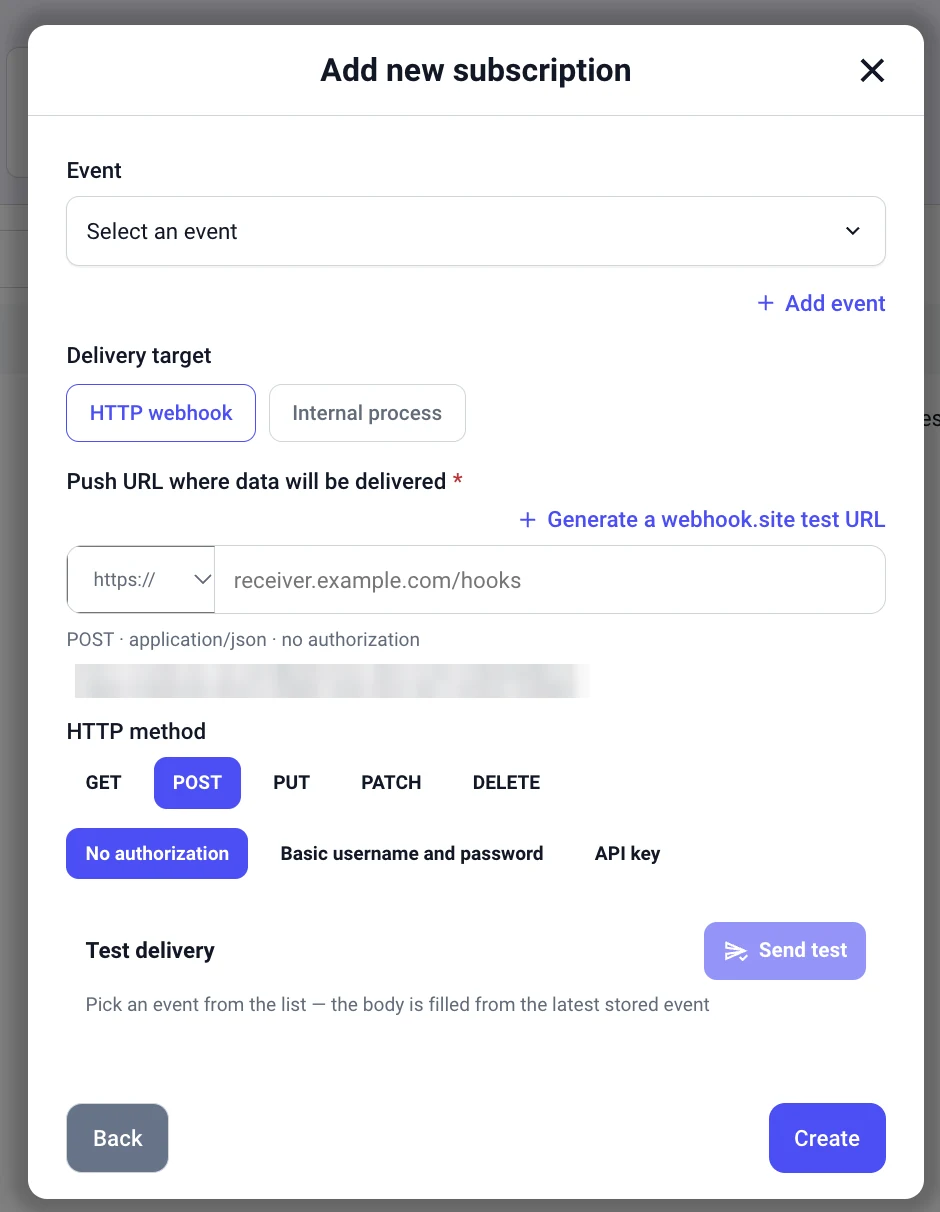
Inbound webhooks start flows; event-bus subscriptions deliver to HTTP endpoints or internal processes; REST APIs and MCP — all with filtering and audit. Connectors to ERP, CRM and field systems through flow steps.
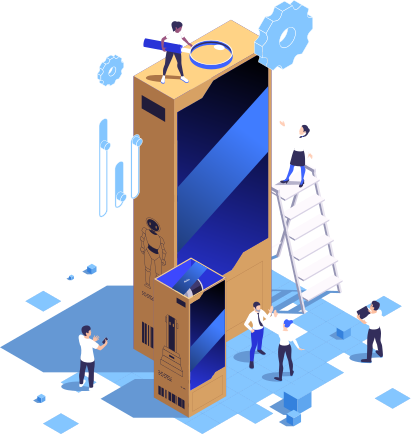
LLM gateway with audit, agent steps as process tasks, approval before consequential actions.
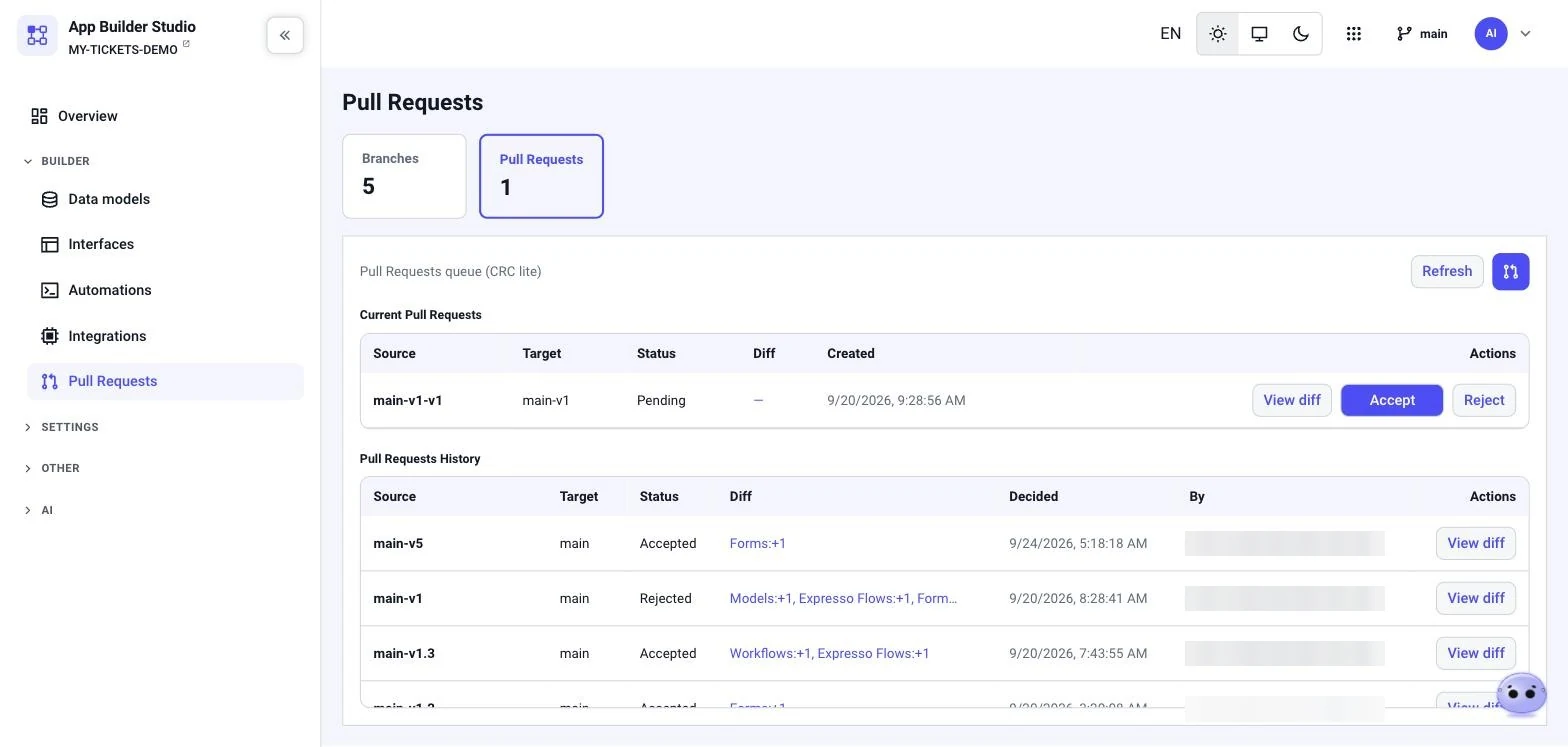
Configuration lives on branches. A pull request shows the diff by object type — models, forms, layouts, flows — and is accepted or rejected before it reaches main.
UI and content in English and Kazakh — more languages can be added. App phrasebooks and API translations merge into the same dictionary.
On-premises or private cloud, on Kubernetes. An offline license that never phones home. Government and e-signature stacks where you operate.
REST and MCP for everything Studio can do. Configuration export in open formats: JSON, SQL, flow definitions, React components.
People in Studio, the built-in coding agent, agents in processes and external coding agents through MCP change the platform the same way: every change is journaled on a branch, reviewed, and can be undone.
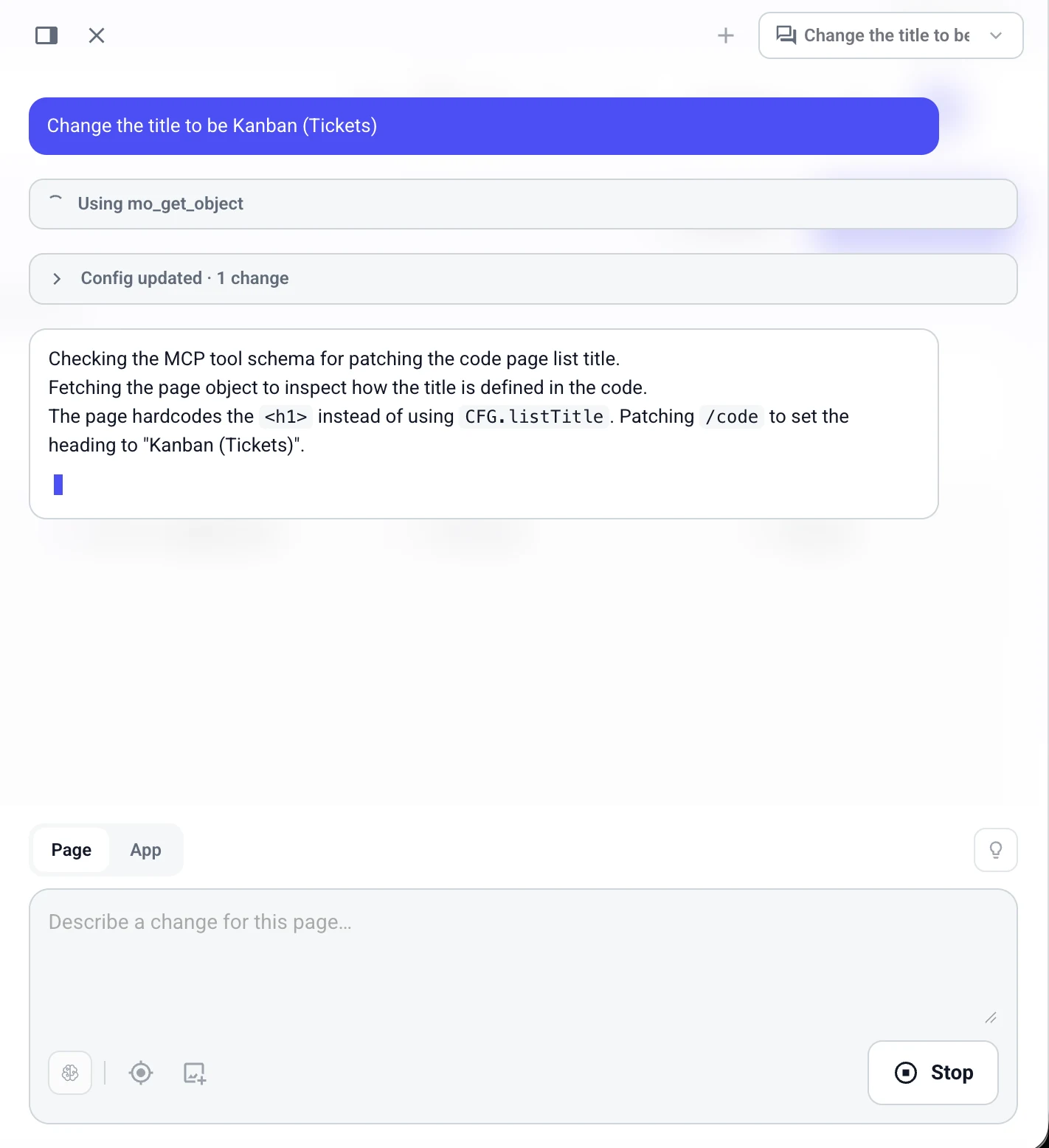
The agent lives in Studio and in the app. It reads the config, patches it through the same MCP tools and reports "Config updated · N changes" — with one-click Undo.
Authorized users edit forms, routing and flows with pull requests and version history.
Agent steps act through a tool gateway with policy and audit; consequential actions wait for a human.
Cursor, Claude Code or your own agent configure the platform through 80+ MCP tools, under the same journal.
On-premises, in production, operated by the customers' own teams.
Coding agents configure layouts, forms, processes and policies under the journal.
Telecom first: field-heavy operations where workflows live between ERP, CRM and field systems.
Bring one workflow that lives between your systems. We will show how it runs on Expresso, with the controls your team needs.